Where are you?
A to-do app that keeps each task in the place where you'll actually do it. Pick a place, open its floor plan, tap a room — and only see what's waiting there.
Put your to-dos where they happen.
Most to-do apps line everything up in one long list. Basyo Memo puts each task in the place where you'll do it — so the kitchen only shows kitchen things.
A usual to-do app
- Clean the sink
- Print the report
- Change the bed sheets
- Restock trash bags
- Reply to the professor
- Water the plants
- Check the detergent
- Return library books
- …
Basyo Memo — try it
All clear. Nothing waiting here.
The dots on each room are unfinished to-dos — you can see where it's messiest at a glance.
Place → Space → To-do
Three layers, the same way you move through your day.
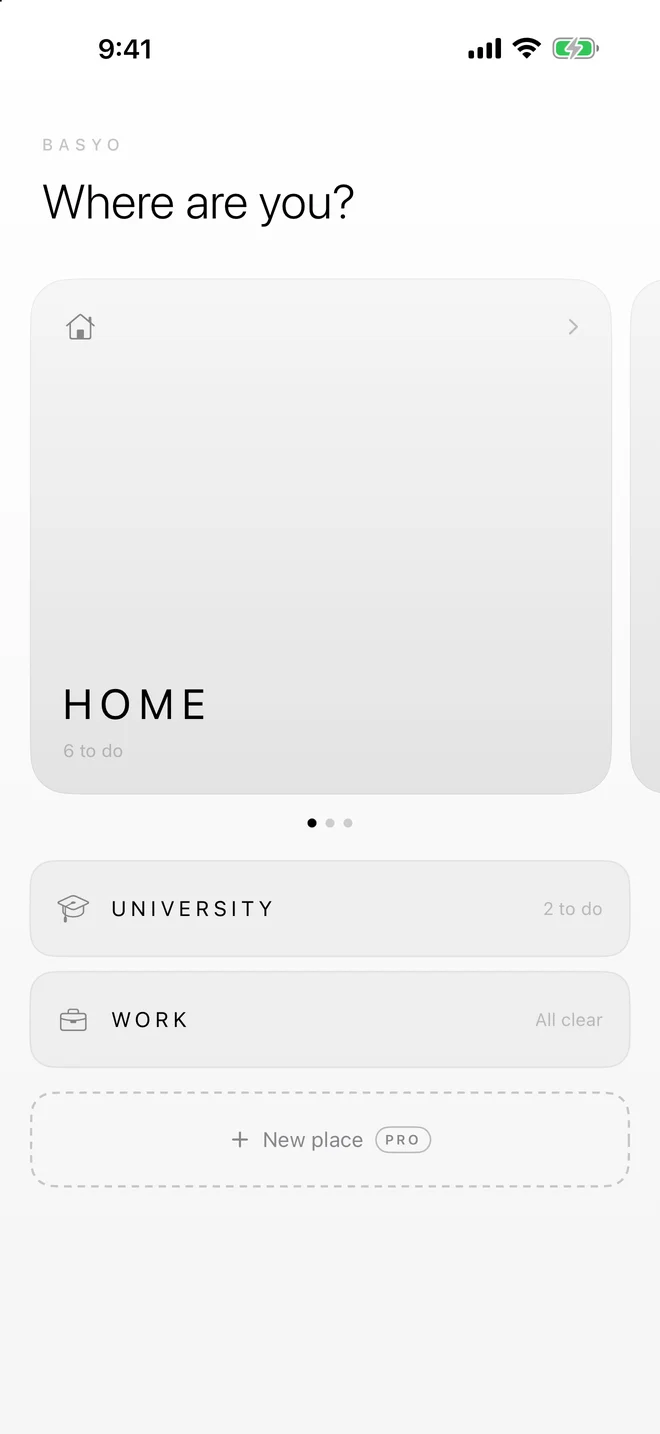
Place
Choose where you are — home, school, work.
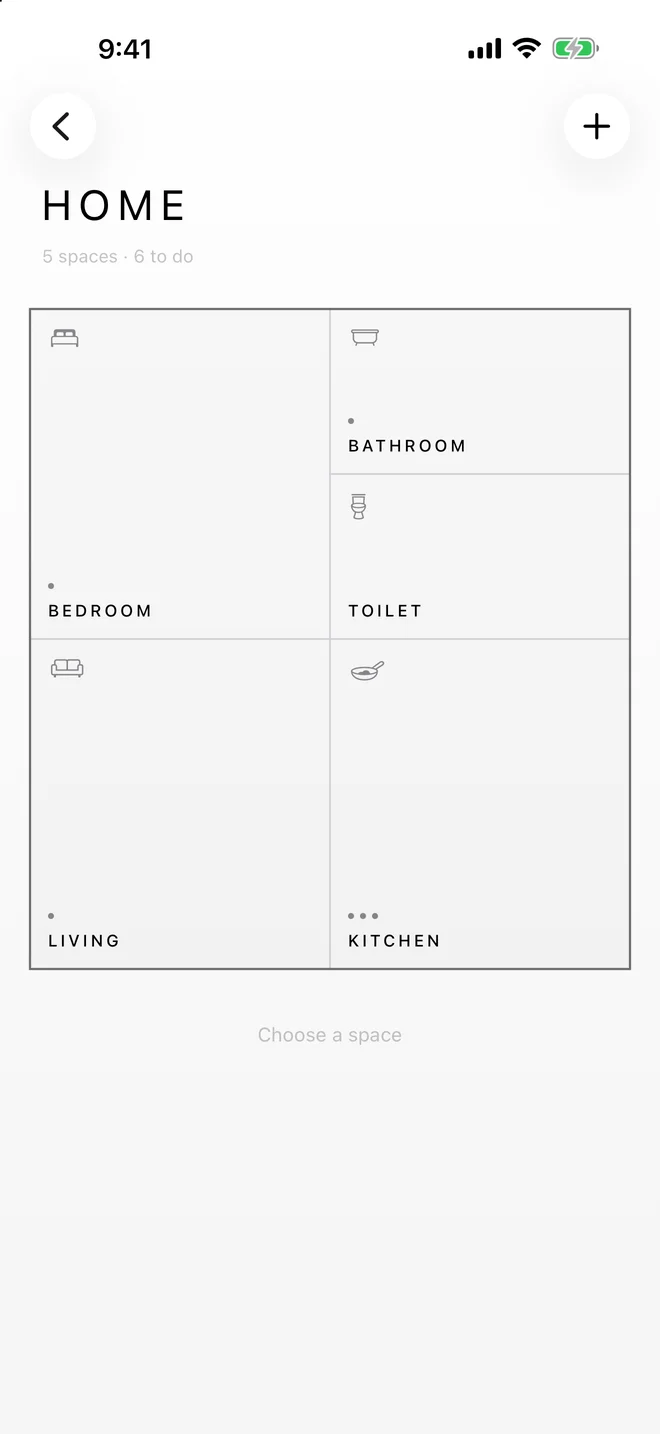
Space
Its floor plan appears. Tap the kitchen to see only the kitchen.
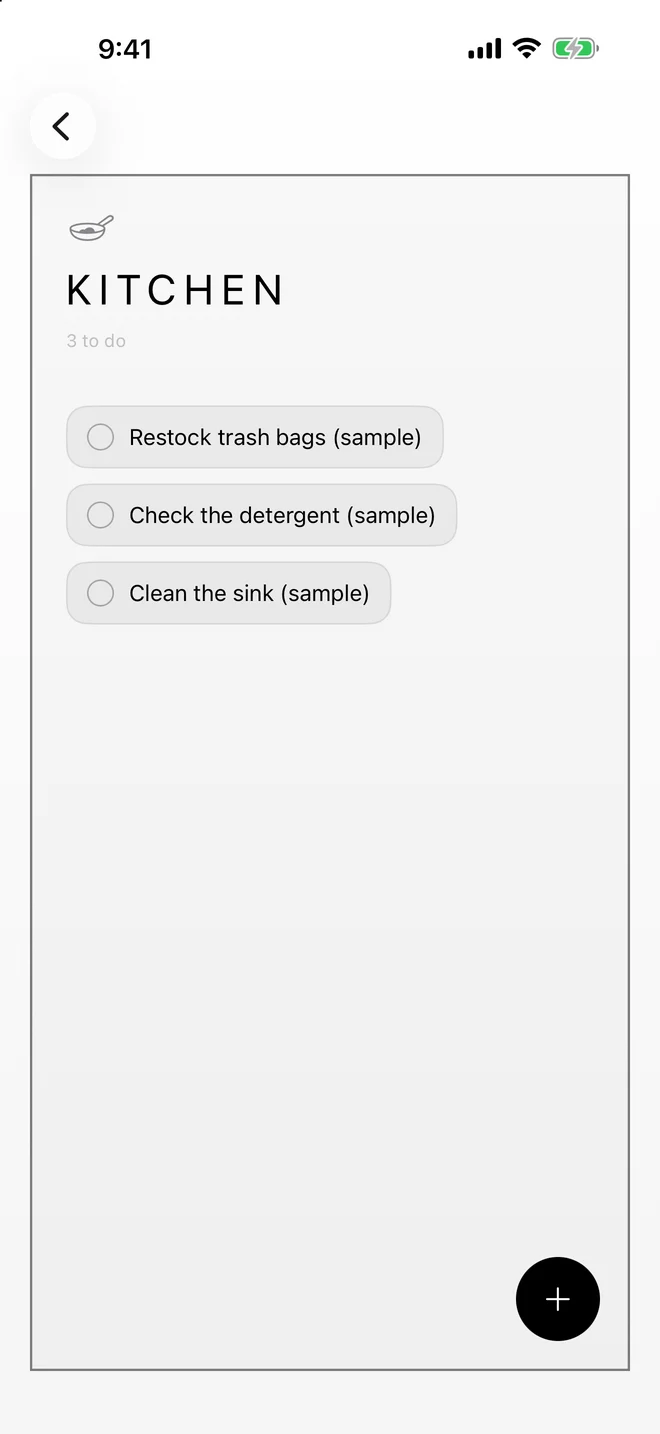
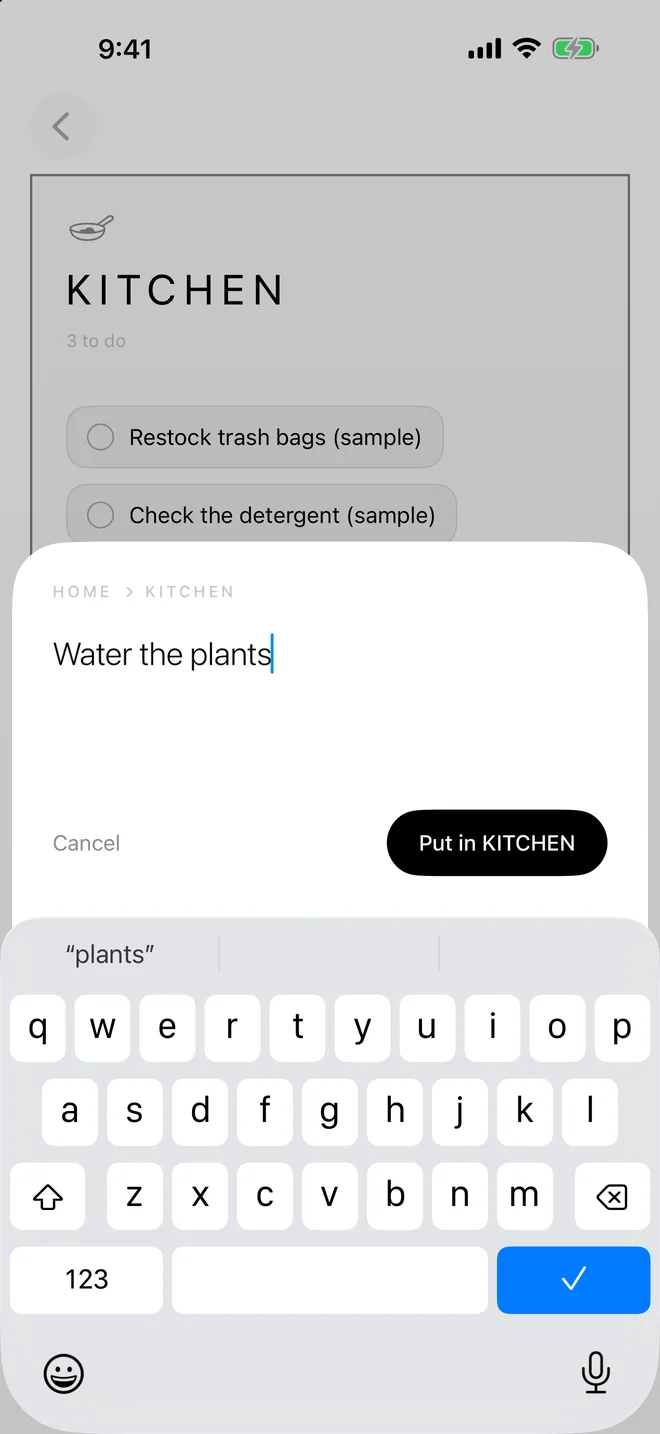
To-do
Finish a task and it leaves the room. The space gets cleaner with it.
Small, quiet, and yours.
Three layers
Place → Space → To-do. Everything has somewhere to live.
Your own layout
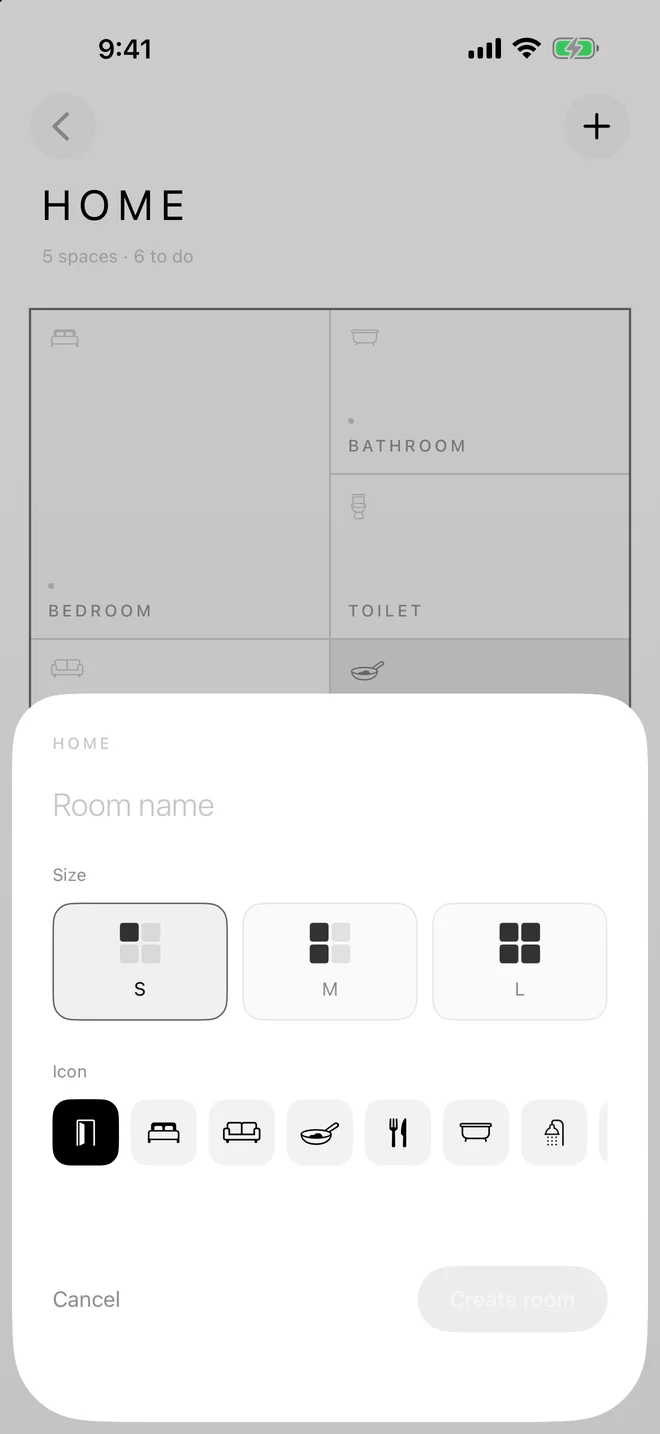
Add rooms in small, medium or large to match how your place is laid out.
See the mess at a glance
Dots in each room are unfinished to-dos. More dots, more to do.
Stays on your iPhone
No account, no sign-in, no server. Works offline.
Free to start. Pay once if you need more places.
- Up to 5 places
- Unlimited rooms
- Unlimited to-dos
- Unlimited places
- Everything in Free
- No subscription
Available in English, 日本語 and 繁體中文.
Made by two students, from Taiwan and Japan.

Wesley Wang

Homare Waki
We met at a camp — one of us from Taiwan, one from Japan. Basyo Memo is the app we built together: a to-do list shaped like the places we actually live and study in.
Questions?
Questions, bug reports and requests are welcome.
kinokozyunsa@gmail.comWe're two students making this in our spare time, so we can't promise to reply to every message — but we read every bug report.
It helps to include your iOS version, iPhone model, and what you were doing when the problem happened.
Where is my data stored?
Only on your iPhone. There is no account and no server, and the app works offline.
I reinstalled the app and my tasks are gone.
Deleting the app also deletes its data. Reinstalling cannot bring it back.
How many places can I create?
Five for free, with unlimited rooms and tasks. Pro removes the limit on places with a single purchase.
I bought Pro but a new iPhone does not have it.
Open the Pro screen and tap “Restore purchase” while signed in with the same Apple Account.